
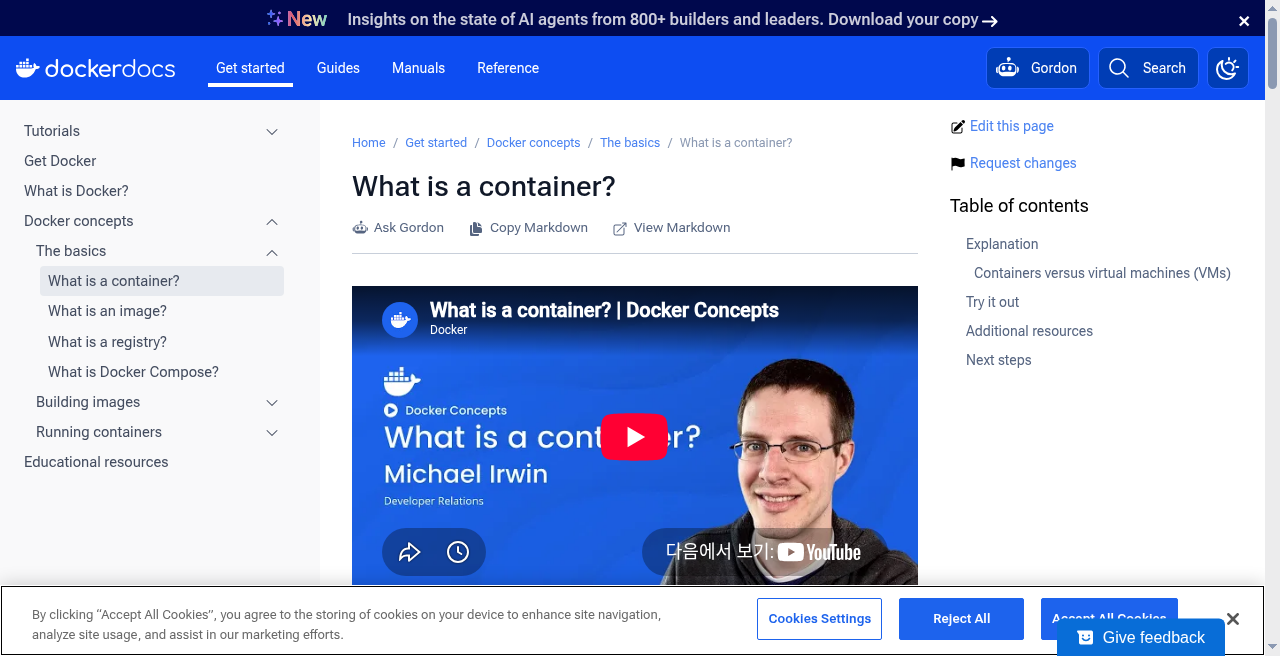
Docker 컨테이너는 별도의 커널을 가진 가상 머신(VM)이 아닙니다. 호스트 리눅스 커널 위에서 namespaces로 격리되고 cgroups로 자원이 제한된 프로세스(들)입니다. 이 글은 docs.docker.com을 기준으로 docker run 뒤의 Docker 컨테이너 실행 구조를 정리합니다.
이 글은 Docker 공식 문서를 기준으로 한 일반 안내이며, 엔진·런타임 버전과 호스트 커널(cgroup v1/v2 등)에 따라 세부 동작은 달라질 수 있습니다.
Docker 컨테이너는 VM과 무엇이 다른가?
한 줄 답: VM은 하이퍼바이저 위에 게스트 커널을 올리는 반면, Docker 컨테이너는 호스트 리눅스 커널을 직접 공유하는 격리된 프로세스 집합입니다.
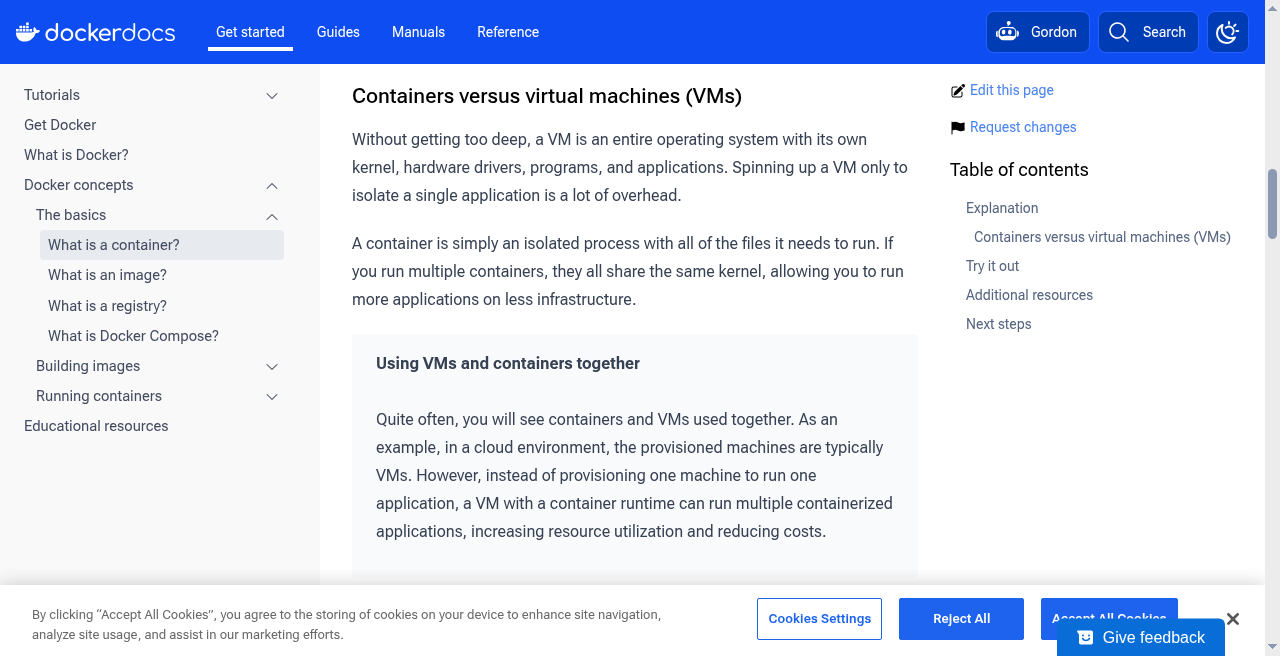
하이퍼바이저형 VM은 하드웨어 수준 가상화를 통해 각 VM에 독립된 게스트 커널을 부팅합니다. 그 결과 VM은 완전한 OS 격리를 제공하지만, 커널 부팅 시간과 메모리 오버헤드가 상당합니다.
Docker 컨테이너는 구조가 다릅니다. 별도의 게스트 커널이 없고, 호스트 OS의 리눅스 커널을 직접 공유합니다. 커널 부팅 과정이 없으므로 컨테이너는 일반 프로세스 시작과 동일한 속도로 가동됩니다. 공식 문서의 설명처럼, 커널 내부에는 "컨테이너"라는 독립적인 객체가 별도로 존재하는 것이 아닙니다. 격리 기능(namespaces)과 자원 제한 기능(cgroups)이 부여된 프로세스 집합일 뿐이라는 점이 핵심입니다.
- 하이퍼바이저 유무: VM은 하이퍼바이저 + 게스트 OS로 구성되며, 컨테이너는 호스트 커널을 직접 공유합니다.
- 시작 속도: 컨테이너는 커널 부팅 없이 프로세스 하나를 시작하는 것과 동일하게 빠릅니다.
- 커널 관점: 컨테이너는 커널 객체가 아닌, namespaces와 cgroups로 구성된 프로세스 집합입니다.
namespaces는 컨테이너에서 무엇을 가리나?
한 줄 답: namespaces는 "무엇을 보는가"를 격리하는 커널 기능으로, 각 컨테이너에 독립된 시스템 자원 뷰(View)를 제공합니다.
프로세스가 볼 수 있는 시스템 자원의 범위를 분리하는 것이 namespaces의 역할입니다. 컨테이너가 호스트나 다른 컨테이너의 자원을 인식하지 못하도록 시야를 차단하는 방식입니다. Docker는 다음 namespace를 주로 사용합니다.
- PID: 독립적인 프로세스 ID 공간을 생성합니다. 컨테이너 내부에서 최초 프로세스는 PID 1을 부여받으며, 호스트의 PID 체계와 완전히 분리됩니다.
- NET: 고유한 네트워크 인터페이스, IP 주소, 라우팅 테이블, iptables 규칙 등 전체 네트워크 스택을 격리합니다.
- MNT: 호스트와 분리된 마운트 포인트 뷰를 제공하여, 컨테이너가 자신만의 루트 파일시스템을 갖도록 합니다.
- UTS: 호스트명(hostname)과 도메인명을 컨테이너별로 독립적으로 설정할 수 있게 합니다.
- IPC: 세마포어, 메시지 큐, 공유 메모리 등 프로세스 간 통신 자원을 격리합니다.
- USER: 컨테이너 내 root 사용자를 호스트의 일반 사용자 UID에 매핑하여, 컨테이너 탈출 시 피해 범위를 줄입니다.
이러한 격리 개념은 리눅스 환경에서 오래전부터 사용되어 온 chroot나 pivot_root 방식의 연장선에 있습니다. 격리된 프로세스 + 루트 파일시스템 뷰라는 관점은 해당 도구들과 같은 계열입니다.
cgroups는 CPU·메모리·I/O를 어떻게 제한하나?
한 줄 답: cgroups(Control Groups)는 "얼마나 쓸 수 있는가"를 제한하는 커널 기능으로, namespaces의 격리(무엇을 보는가)와는 역할이 다릅니다.
namespaces가 자원의 가시성을 분리한다면, cgroups는 프로세스 그룹이 실제로 소비할 수 있는 자원의 양을 제한합니다. 두 기능을 혼동하지 않는 것이 중요합니다. Docker가 주로 다루는 cgroups 자원 범주는 다음과 같습니다.
- Memory: 컨테이너가 사용할 수 있는 최대 메모리를 제한합니다. 제한 없이 방치하면 단일 컨테이너가 호스트 전체를 OOM(Out of Memory) 상태로 몰 수 있습니다.
- CPU: CPU 사용 할당량(quota)과 가중치(shares)를 설정하여 컨테이너 간 CPU 시간을 분배합니다.
- Block I/O: 컨테이너별 디스크 읽기 및 쓰기 속도를 제어합니다.
- PIDs: 컨테이너 내에서 생성 가능한 최대 프로세스 수를 제한하여, 포크 폭탄(fork bomb)과 같은 자원 고갈 공격을 방지합니다.
docker → dockerd → containerd → runc 호출 경로는 어떻게 되나?
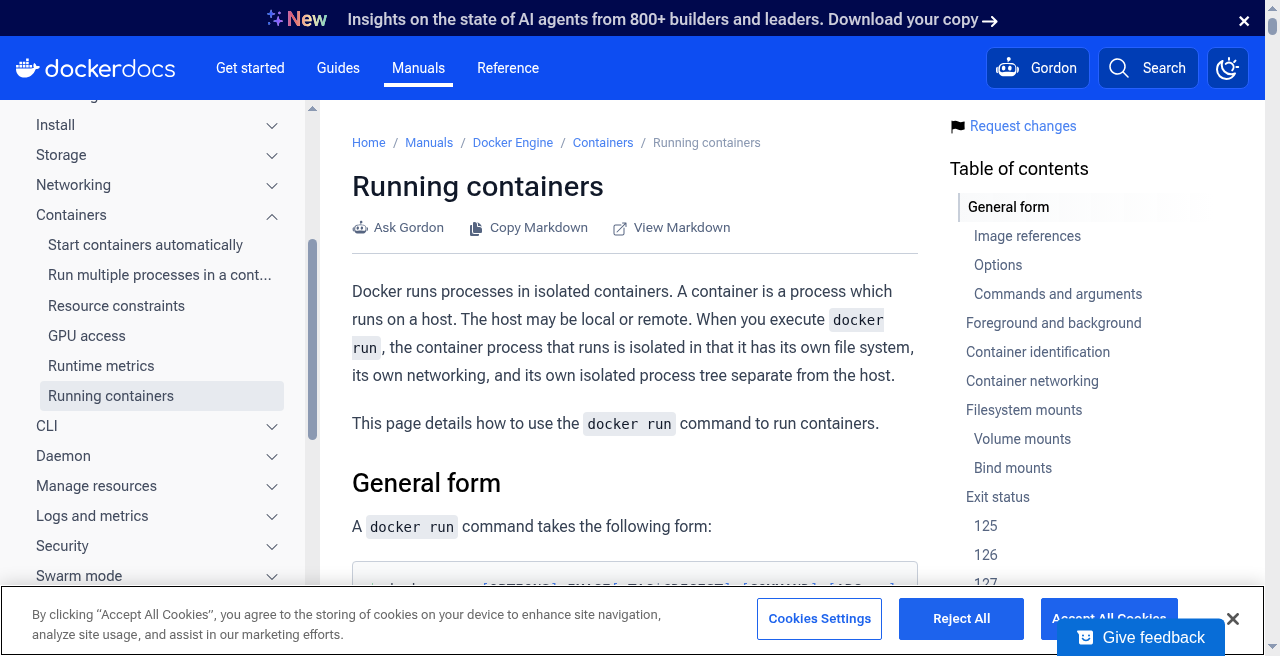
한 줄 답: docker run은 CLI에서 dockerd, containerd, runc까지 이어지는 계층적 런타임 스택을 통해 실제 커널 수준의 컨테이너 실행으로 이어집니다.
Docker의 런타임 구조는 관심사 분리 원칙에 따라 여러 계층으로 나뉩니다. 각 계층의 역할은 다음과 같습니다.
- CLI (
docker): 사용자가docker run명령을 입력하면, CLI는 유닉스 소켓 또는 TCP를 통해 Docker 데몬에 API 요청을 전송합니다. CLI 자체는 컨테이너를 실행하지 않습니다. - dockerd (Docker Daemon): API 요청을 수신하고 이미지 풀(pull), 네트워크, 볼륨 등 고수준 설정을 처리합니다. 이후 실제 컨테이너 생명주기 관리를
containerd에 위임합니다. - containerd: OCI(Open Container Initiative) 이미지 스펙에 맞춰 이미지를 준비하고, 컨테이너의 생명주기(생성·시작·정지·삭제)를 관리합니다. 저수준 실행은
runc를 호출하여 위임합니다. - runc (OCI runtime): namespaces, cgroups, rootfs 설정 등을 실제 리눅스 커널에 적용하고, 지정된 프로세스를
exec하는 저수준 런타임입니다. OCI 런타임 스펙을 구현한 참조 구현체입니다.
docker run 직후 호스트에서 프로세스는 어떻게 보이나?
한 줄 답: 컨테이너 내부에서는 PID 1로 실행되는 프로세스가, 호스트에서 ps -ef로 조회하면 호스트 PID 트리에 속한 일반 PID로 보입니다.
컨테이너가 시작되면, runc는 MNT namespace를 통해 이미지의 읽기 전용 레이어 위에 컨테이너 전용 쓰기 레이어가 얹어진 파일시스템 뷰를 구성합니다. 이 레이어 구조의 상세 내용(overlay2 파일시스템 등)은 시리즈 3편에서 다룹니다.
PID namespace 덕분에 컨테이너 내부의 프로세스는 자신이 PID 1임을 인식합니다. 그러나 호스트 OS에서 ps -ef 또는 ls /proc로 확인하면, 해당 프로세스는 호스트의 PID 트리에서 고유한 번호를 가진 일반 프로세스로 표시됩니다. 컨테이너는 커널 관점에서 격리된 뷰를 가진 프로세스일 뿐이라는 점을 이 시점 차이가 잘 보여줍니다.
FAQ
한 줄 답: 컨테이너는 커널을 공유하는 격리된 프로세스이므로, PID namespace와 cgroup 설정이 동작 방식의 핵심입니다.
| 질문 | 답변 |
|---|---|
| 컨테이너 내 PID 1은 무엇을 의미합니까? | PID namespace가 컨테이너에 독립적인 PID 공간을 부여하므로, 컨테이너의 첫 번째 프로세스(지정된 커맨드)는 PID 1을 부여받습니다. 이 프로세스가 종료되면 컨테이너도 함께 종료됩니다. |
--pid=host 옵션은 무엇을 합니까? |
호스트의 PID namespace를 컨테이너와 공유하는 옵션입니다. 이를 사용하면 컨테이너 내부에서 호스트의 전체 프로세스 트리를 볼 수 있으며, PID 격리가 해제됩니다. 보안 요구 사항에 따라 신중하게 사용해야 합니다. |
| cgroup v1과 v2는 어떻게 다릅니까? | cgroup v1은 자원 유형별로 별도의 계층 구조를 두는 방식입니다. cgroup v2는 단일 통합 계층 구조로 바뀌었으며, 커널 4.5 이후 도입되어 최신 리눅스 배포판에서 기본값이 되고 있습니다. Docker는 호스트 커널에 따라 v1과 v2를 자동으로 감지하여 사용합니다. |
| 컨테이너는 호스트로부터 완전히 격리됩니까? | 완전한 격리는 아닙니다. namespaces와 cgroups 외에도 capabilities, seccomp 등 추가 보안 제어가 있지만, 컨테이너는 호스트 커널을 공유하므로 커널 취약점은 공유됩니다. 보안이 중요한 환경에서는 이 점을 반드시 고려해야 합니다. |
출처
한 줄 답: 본문 사실은 2026-09-14 기준으로 확인한 Docker 공식 문서를 사용합니다.
- What is a container? — Docker Docs — 컨테이너와 VM의 차이, namespaces 개념, 격리 구조를 확인했습니다.
- Run containers — Docker Docs —
docker run동작 방식, 런타임 스택, 컨테이너 생명주기를 확인했습니다. - Docker Engine overview — Docker Docs — dockerd, containerd, runc의 역할 분리를 확인했습니다.
A Docker container is not a virtual machine with its own kernel. It is a set of Linux processes isolated by namespaces and constrained by cgroups, all running on the same host Linux kernel. This article summarizes the mechanics of Docker container execution and how docker run actually works, based on docs.docker.com.
This article is a general overview based on Docker's official documentation. Details can vary with the engine and runtime version and the host kernel (cgroup v1/v2, and so on).
How is a Docker container different from a VM?
Short answer: A VM boots a guest kernel on top of a hypervisor. A Docker container shares the host Linux kernel directly and is just a set of isolated processes.
A hypervisor-based VM runs a full guest OS on top of virtualized hardware. Each VM has its own kernel, which provides strong isolation but comes with noticeable boot time and memory overhead.
A Docker container has a fundamentally different structure. There is no guest kernel. The host OS kernel is shared directly. Because there is no kernel to boot, a container starts at roughly the same speed as any other process. As the official documentation explains, there is no separate "container" object inside the kernel. A container is simply a collection of processes to which isolation (namespaces) and resource limits (cgroups) have been applied.
- Hypervisor: VMs require a hypervisor and a guest OS. Containers share the host kernel directly.
- Start time: A container starts as quickly as a single process because there is no kernel to boot.
- Kernel view: A container is not a kernel object. It is a process group that namespaces and cgroups have been applied to.
What do namespaces isolate in a container?
Short answer: Namespaces are a kernel feature that controls what a process can see. Each container gets its own view of system resources.
A namespace partitions the set of system resources visible to a process. A process inside a namespace sees only the resources that belong to its own namespace. Docker uses several namespaces to build a container's isolated environment.
- PID: Creates an independent process ID space. The first process inside a container receives PID 1 and is completely separate from the host PID hierarchy.
- NET: Isolates the full network stack — interfaces, IP addresses, routing tables, and iptables rules — giving each container its own network view.
- MNT: Provides a separate mount-point view, so each container has its own root filesystem.
- UTS: Allows each container to set its own hostname and domain name independently from the host.
- IPC: Isolates inter-process communication resources such as semaphores, message queues, and shared memory.
- USER: Maps the container's root UID to an unprivileged UID on the host, limiting the blast radius if a process escapes the container.
This isolation concept is an evolution of older Linux tools such as chroot and pivot_root. The idea of an "isolated process with its own root filesystem view" belongs to the same family of techniques.
How do cgroups limit CPU, memory, and I/O in a container?
Short answer: cgroups (Control Groups) is a kernel feature that controls how much a process group can consume. This is separate from the isolation that namespaces provide.
If namespaces control what a process can see, cgroups control how much it can use. The two mechanisms serve different purposes, and confusing them is a common source of misunderstanding. Docker primarily manages the following cgroup resource categories.
- Memory: Caps the maximum memory a container can use. Without a limit, a single container can exhaust host memory and cause OOM (Out of Memory) conditions for the entire system.
- CPU: Sets CPU usage quotas and weights (shares) to distribute CPU time across containers.
- Block I/O: Throttles per-container disk read and write throughput.
- PIDs: Caps the number of processes a container can create, preventing fork-bomb style resource exhaustion attacks.
What is the call path from docker to dockerd to containerd to runc?
Short answer: docker run passes through a layered runtime stack — CLI, dockerd, containerd, and runc — before the kernel-level container actually starts.
Docker's runtime is split into layers by responsibility. Each layer handles a specific concern.
- CLI (
docker): The user typesdocker run. The CLI sends an API request to the Docker daemon over a Unix socket or TCP. The CLI itself does not start any container. - dockerd (Docker Daemon): Receives the API request and handles high-level concerns such as image pulls, network setup, and volume management. It then delegates the actual container lifecycle to
containerd. - containerd: Prepares the image according to the OCI image specification and manages the container lifecycle (create, start, stop, delete). Low-level execution is delegated to
runc. - runc (OCI runtime): Applies the namespaces, cgroups, and rootfs configuration to the Linux kernel and then
execs the specified process. It is the reference implementation of the OCI Runtime Specification.
What does a process look like on the host immediately after docker run?
Short answer: Inside the container the process appears as PID 1. On the host, ps -ef shows the same process as an ordinary PID in the host process tree.
When a container starts, runc uses the MNT namespace to set up a filesystem view consisting of the image's read-only layers topped by a container-specific writable layer. The detailed structure of those layers (overlay2, and so on) is covered in part 3 of this series.
Thanks to the PID namespace, the process inside the container sees itself as PID 1. On the host, however, ps -ef or ls /proc shows the same process with an ordinary host PID. This difference in perspective illustrates the core idea: from the kernel's point of view, a container is just a process with a specially constructed view.
FAQ
Short answer: Containers share the kernel and are isolated through namespaces and cgroups. PID namespace behavior and cgroup configuration drive most of the common questions.
| Question | Answer |
|---|---|
| What does PID 1 mean inside a container? | The PID namespace gives each container its own PID space, so the first process the container starts (the specified command) receives PID 1. When that process exits, the container stops. |
What does --pid=host do? |
It shares the host's PID namespace with the container. Processes inside can see the host's full process tree, and PID isolation is removed. Use with care depending on security requirements. |
| What is the difference between cgroup v1 and v2? | cgroup v1 uses separate hierarchies for each resource type. cgroup v2, introduced in kernel 4.5, uses a single unified hierarchy and is now the default on many modern Linux distributions. Docker detects and uses whichever version the host kernel supports. |
| Is a container fully isolated from the host? | Not fully. Beyond namespaces and cgroups, Docker applies capabilities and seccomp filtering, but containers share the host kernel. A kernel vulnerability is shared across all containers on the host. This trade-off should be evaluated for security-sensitive workloads. |
References
Short answer: Facts in this article are drawn from Docker's official documentation checked on 2026-09-14.
- What is a container? — Docker Docs — Used to check the container vs. VM comparison, the namespace concept, and the isolation model.
- Run containers — Docker Docs — Used to check
docker runbehavior, the runtime stack, and the container lifecycle. - Docker Engine overview — Docker Docs — Used to check the role separation of dockerd, containerd, and runc.
'기타' 카테고리의 다른 글
| docker load·save·run으로 보는 이미지 로드와 실행 (0) | 2026.09.16 |
|---|---|
| 유튜브 프리미엄 공유구독, 공식 요금부터 할인 경로까지 (0) | 2026.09.15 |
| 티빙 개인정보 유출 3,954만 계정…내 정보 확인 방법과 지금 해야 할 대처 5가지 (0) | 2026.09.12 |
| 아이폰 18 프로 vs 아이폰 Duo: 가격·카메라·A20 Pro·폴더블 차이 총정리 (0) | 2026.09.11 |
| 넷플릭스 광고형과 스탠다드, 기능부터 할인까지 (0) | 2026.09.09 |